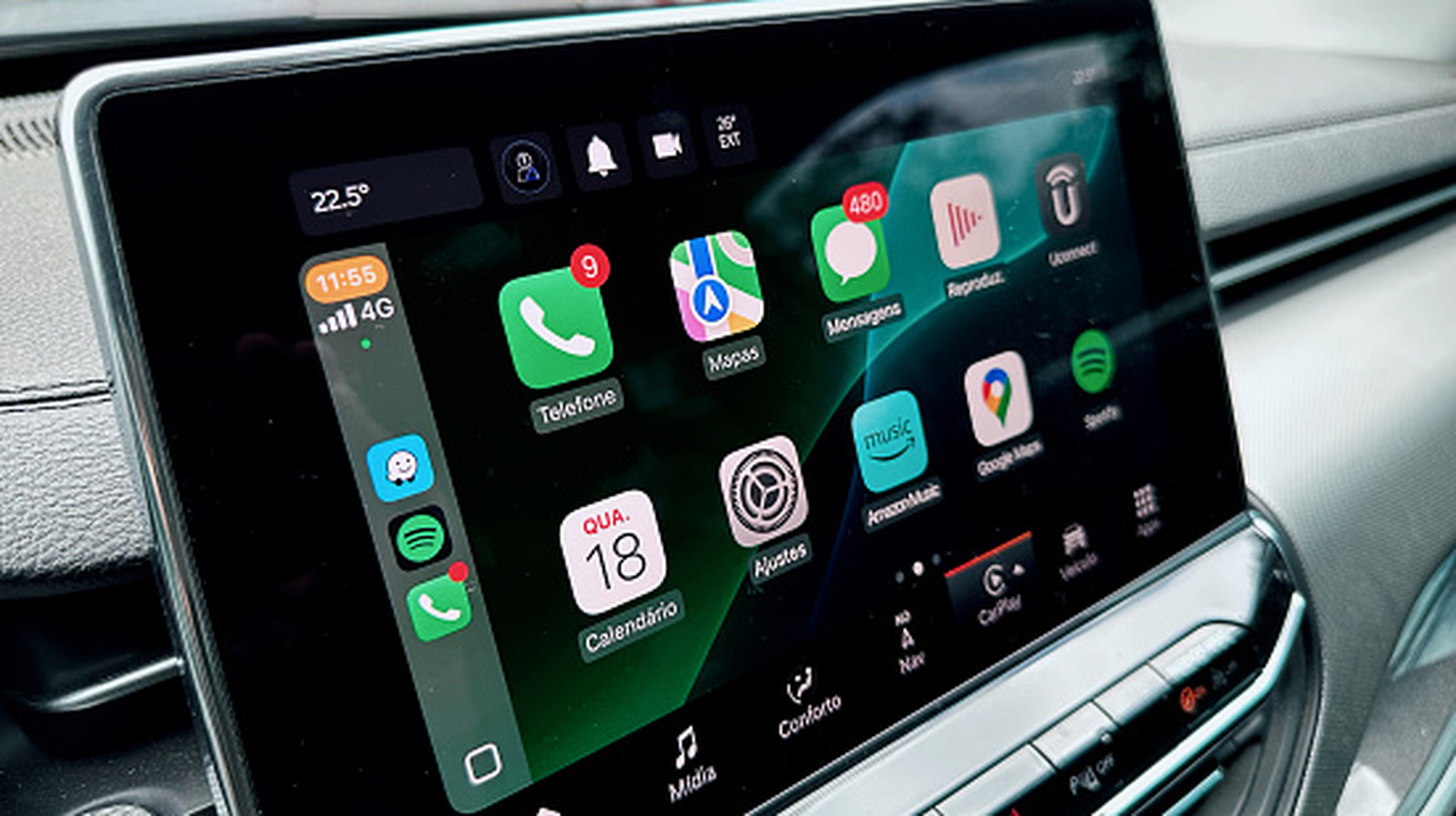
Apple CarPlay Not Working? A Step-by-Step Troubleshooting Guide
Executive Briefing
- Start by restarting your iPhone and car, then verify your vehicle appears on Apple's official CarPlay compatibility list
- Ensure Siri is enabled in Settings, as CarPlay requires it to function regardless of connection type
- Replace damaged USB cables with data-transfer-rated cables and clean ports to resolve wired connection failures
- Check Screen Time Content & Privacy Restrictions, as parental controls can silently block CarPlay entirely
- Re-pair devices by selecting 'Forget This Car' in Settings and reconnecting fresh to resolve persistent issues
- Factory resetting the head unit is a last resort; contact Apple or your car manufacturer if problems persist
Sponsored