Three Ways to Set iPhone Timers Without Opening the Clock App
Executive Briefing
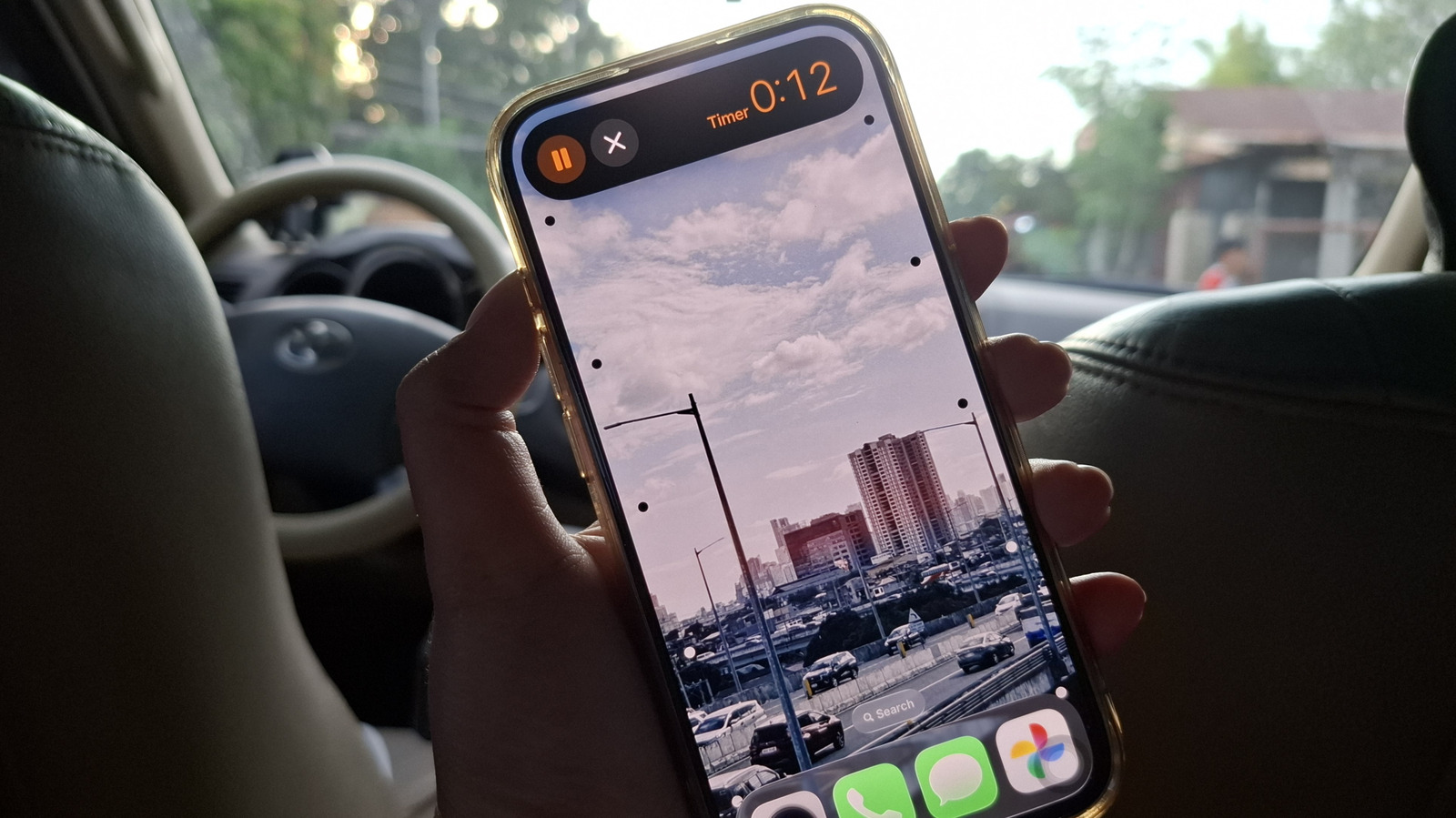
- Activate Siri by voice or power button and simply state your desired timer duration to start instantly
- Add a Timer tile to Control Center for one-tap access, offering 12 preset durations from 1 minute to 2 hours
- Create a Shortcuts app timer and assign it to the Action Button for hands-free, app-free timer control
- Action Button method supports multiple simultaneous timers, unlike the Control Center tile which is limited to one
Sponsored